How it works
How to rotate an image
Open an image, turn it to the orientation you need and download the rotated copy.
Open an image
Choose a supported image and wait for the original and edited previews.
Choose your change
Choose a rotation angle and check that the subject and text face the intended direction.

Create the result
Run the tool and save the image download. Check its orientation, format and dimensions.
Understand your result
Turn the image the right way
Choose the rotation that makes the image upright. Review the whole image before creating the result.
A quarter turn swaps width and height. Check the final orientation in your download.


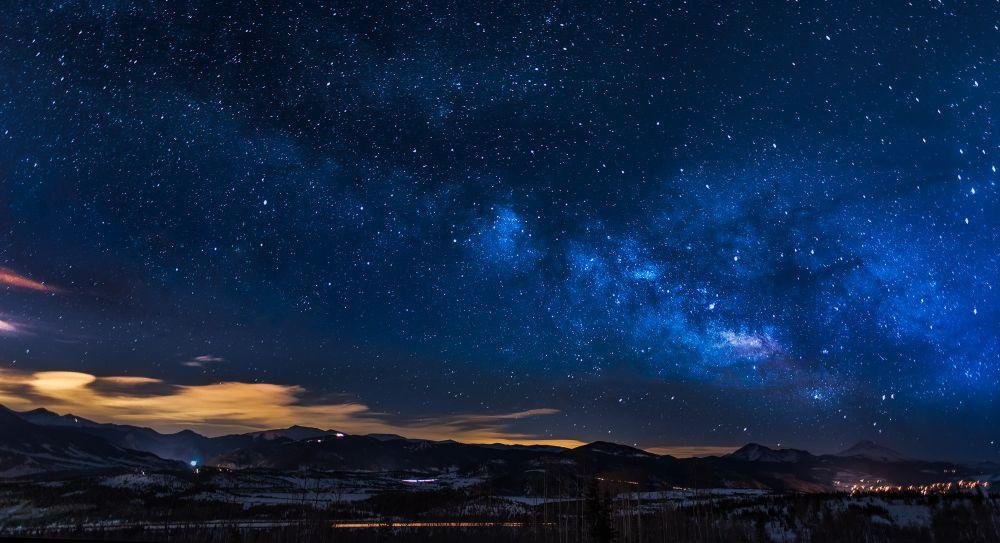
Actual sample output · Photo from Pexels. Your settings and photo will affect the result.
Example photo: Pexels source photo, used under the Pexels licence. The example illustrates settings; it is not an endorsement or an acceptance guarantee.
Before you save
- A quarter turn swaps portrait and landscape orientation.
- Rotation does not correct perspective or recover cropped edges.
Common questions
Does rotation mirror the picture?
No. It changes orientation. Use Flip Image when you want a mirror image.
What format does this tool download?
It saves the result as PNG. Animated inputs use a single frame rather than retaining animation.
Is my original file changed?
No. The tool creates a separate download and does not overwrite the image on your device.