How it works
How to resize an image
Choose your photo, set the dimensions and download the resized result.
Add your images
This page accepts JPG / JPEG, PNG, WebP, GIF, BMP, HEIC / HEIF, SVG images. Add up to 20 images, with a maximum of 25 MB each and 100 MB in total.
Set the dimensions
Enter width or height in pixels, or move the Image size slider. With Keep proportions on, the other dimension follows the original shape. Select other photos to adjust them individually.
Resize and save
Create the results and compare the dimensions. Save each image or use Download all images (ZIP) for a group.
Understand your result
Dimensions change the image size
Set the width or height in pixels. Keep proportions on when you want the original shape without stretching.
Resizing and compression are different. Enlarging adds pixels but cannot restore missing original detail.


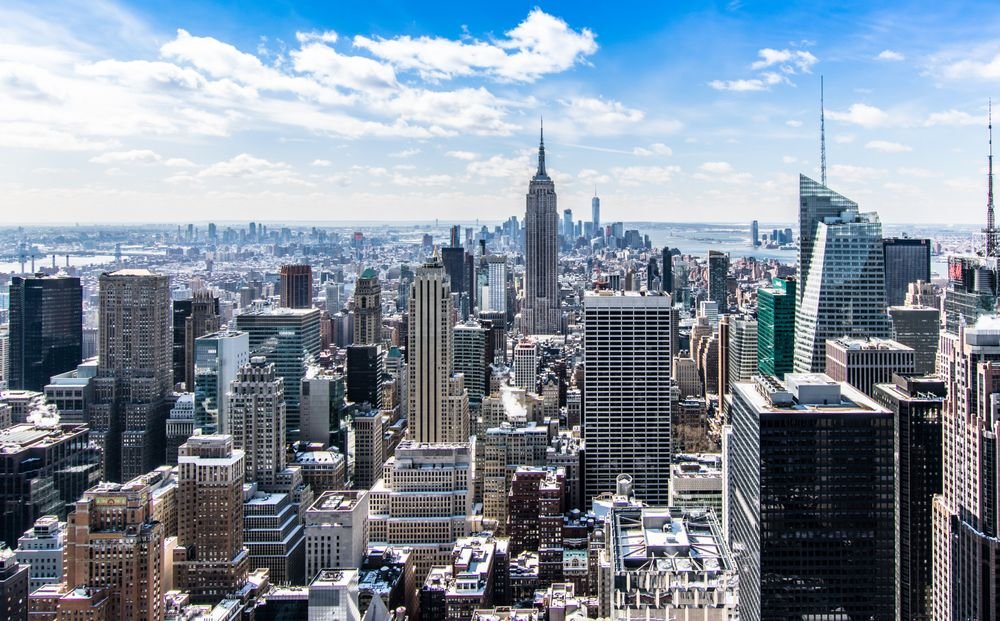
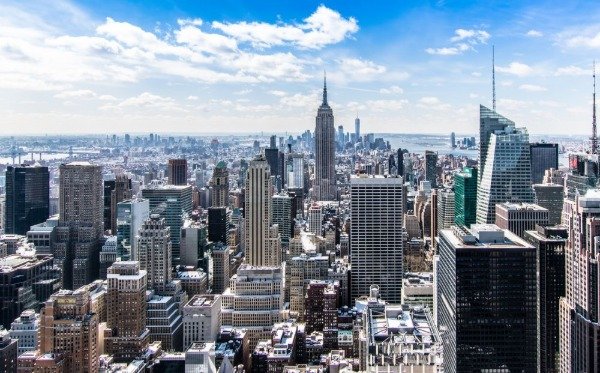
Actual sample output · Photo from Pexels. Your settings and photo will affect the result.
Browser limits vary. If worker canvas processing is unavailable, the standard-canvas path accepts up to 12 megapixels per input/output and smaller animations (up to 60 frames and 12 million total input/output frame pixels). Try smaller files if your device cannot complete a task.
Example photo: Pexels source photo, used under the Pexels licence. The example illustrates settings; it is not an endorsement or an acceptance guarantee.
Before you save
- A 50% size setting makes both width and height half their original values. A 1200 × 800 image becomes 600 × 400; its file size will not necessarily be halved.
- Keep original format retains JPG, PNG, WebP or GIF. HEIC downloads as JPG; BMP and SVG default to PNG. Check the Save as setting if you want a different output.
Common questions
Will resizing reduce the file size?
Often, fewer pixels need less storage, but image content, format and quality also affect size. Check the actual download if your form has a file-size limit.
Can I enlarge a photo without losing detail?
Increasing dimensions adds interpolated pixels. It cannot recover detail missing from a small or blurry original.
How do I resize several images?
Add the photos together, select each thumbnail to adjust its size, then create the results. Individual files and a ZIP are available.