How it works
How to compress images
Choose your file, adjust the compression settings and check the size and quality of the result.
Add your images
This page accepts JPG / JPEG, PNG, WebP, GIF, BMP, HEIC / HEIF images. You can add up to 20 files, with 25 MB per image and 100 MB in total.
Choose compression
Adjust image quality for JPG or WebP. If you choose PNG or GIF output, use the relevant colour-palette control instead.
Compress and compare
Create the results. Check the reported size and downloaded image, then save individual files or a ZIP.
Understand your result
Smaller files need a visual check
Choose the available quality or compression setting, then compare the actual file size and appearance of the result.
The size reduction depends on the original file. Some files are already compressed and may not become smaller.
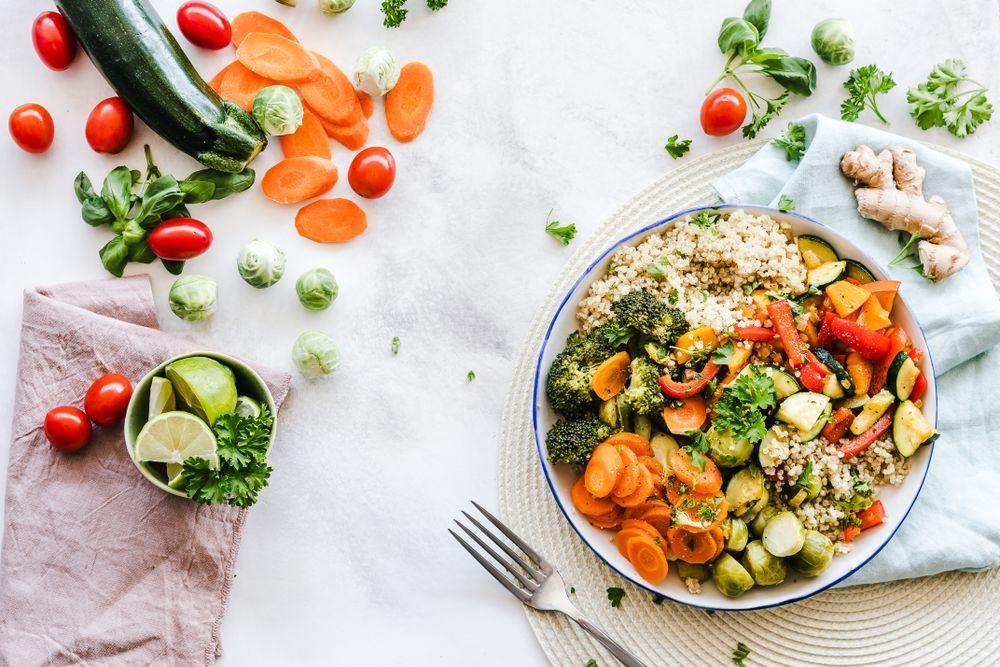
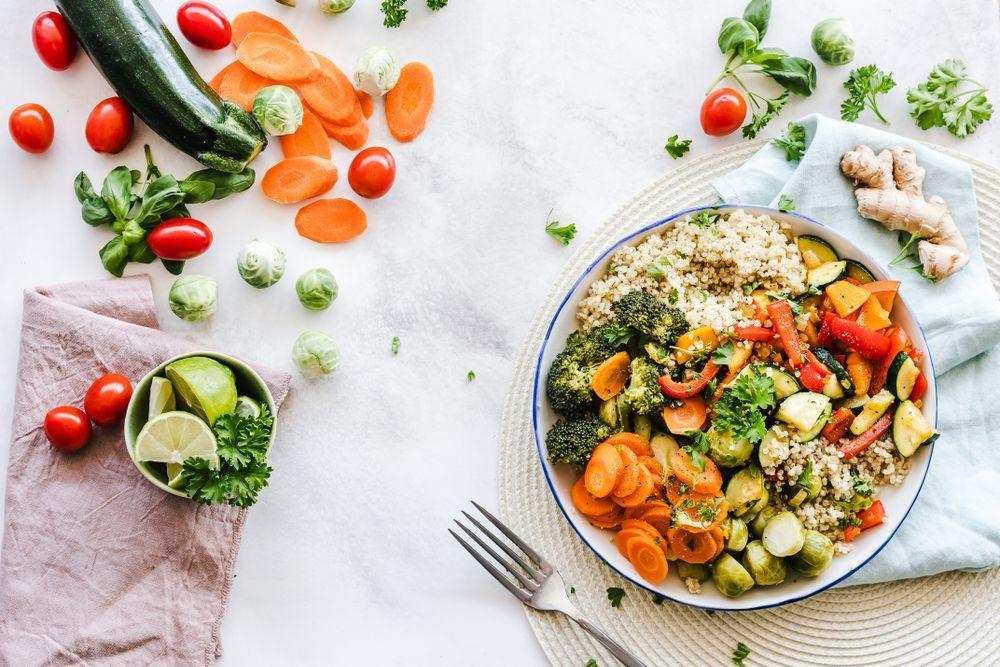
 OriginalResult
Actual sample output · Photo from Pexels. Your settings and photo will affect the result.
Browser limits vary. If worker canvas processing is unavailable, the standard-canvas path accepts up to 12 megapixels per input/output and smaller animations (up to 60 frames and 12 million total input/output frame pixels). Try smaller files if your device cannot complete a task.
Example photo: Pexels source photo, used under the Pexels licence. The example illustrates settings; it is not an endorsement or an acceptance guarantee.
Before you save
- If a same-format result would be larger than its source, the tool keeps the original and tells you. Already-compressed files may not shrink further.
- Compression does not change the intended pixel dimensions. Use a resizer as a separate step if you also need a smaller width or height.
Common questions
Does 60% quality mean a 40% smaller file?
No. A quality percentage controls encoding. File-size savings depend on the original image, its content and its previous compression.
Why is the download the same size as the original?
If a same-format recompressed result is larger, the original is kept. That avoids presenting a bigger file as a successful size reduction.
Does the compressor preserve transparency?
PNG, WebP and GIF can preserve transparency. JPG output fills transparent areas with white. Check the selected output format.