How it works
How to password-protect a PDF
Choose your file, set an opening password and download the protected copy.
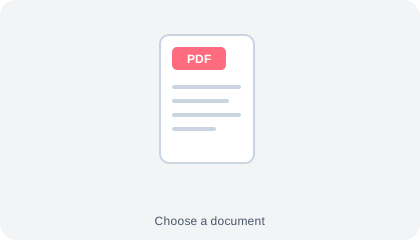
Choose an unlocked PDF
Open the PDF you want to protect. Keep its original copy in a safe place.
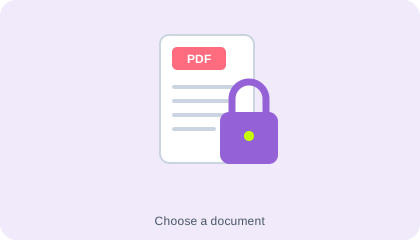
Set an opening password
Enter and confirm your chosen password using the fields in the workspace. Store it separately from the document.
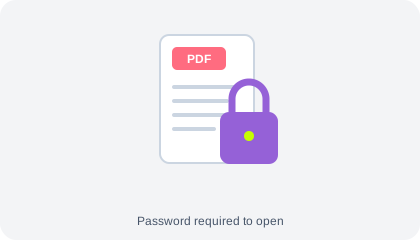
Download and check
Create the protected PDF, download it and reopen it in a PDF reader to check the password prompt.
Understand your result
Set a password, then test the copy
The protected download is a separate file. Open it with the password before sharing it, and keep the password somewhere safe.
The recipient needs the password. Share it through a separate channel from the document.
Before you save
- Send the password through a separate channel from the protected file.
- Your PDF and password are processed in your browser. The encryption engine loads when you select Protect PDF; your file is not uploaded.
Common questions
Can this remove an existing PDF password?
No. This page adds an opening password and expects an unlocked source PDF. Use an authorised application and the existing password to unlock a document first.
What if I forget the new password?
This tool does not provide password recovery. Keep the password and an unprotected original securely stored.
Does it stop someone sharing the file after opening it?
No. An opening password limits access before opening; it does not prevent a recipient from sharing information they can already view.