How it works
How to convert JPG to PDF
Put JPG photos into a PDF document and check the page order before sharing.
Choose JPG images
Add the images you want to include. Check filenames and thumbnails to avoid missing or duplicate pages.
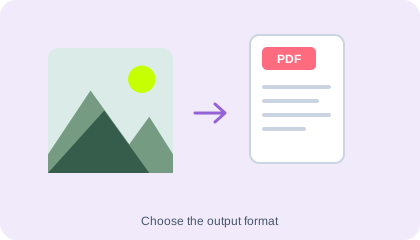
Arrange the images
Use the file controls to put the pictures in the order they should appear in the PDF.
Create your PDF
Run conversion, download the document and review the page sequence and image readability.
Understand your result
Arrange photos into document pages
Use the ordering controls before creating the PDF. Open the saved document and check that every photo is present and readable at the intended print size.
A PDF container does not restore missing photo detail or make photographed text editable.
Before you save
- JPG is already compressed; using a clearer original is better than enlarging a blurry photo.
- Use Document Scanner if your photos also need cropping, colour changes or contrast adjustment.
Common questions
Will text in the images become searchable?
No. The images become PDF pages. To copy their words, use Image to Text before or separately from this conversion.
Can I use PNG files here?
This page is for JPG. Use the separate PNG to PDF tool for the other format.
Can I reduce the PDF size afterward?
Yes. Use Compress PDF and check that the pictures and small text remain readable.